
AI chatbot for Fansly
The Fansly AI chatbot that runs the inbox
Not an OnlyFans tool with Fansly bolted on the side. The agent reads every message, answers in your voice, and prices and sends the content itself, on either platform or both.
Most of this category is OnlyFans only
It is the first thing worth checking, because the marketing rarely says it. Of the five tools on our comparison page, two named Fansly on 8 October 2026, and on Fansly only one of those two has an AI that writes anything.
| Tool | Who writes the message? | Runs Fansly? |
|---|---|---|
| Sassychat (ours) | AgentWrites and sends on its own | Yes |
| Infloww | Not on FanslyTheir AI Copilot is a beta, and it is on the OnlyFans plan only | Yes |
| Supercreator | AgentWrites and sends on its own | Not named |
| Substy | AgentWrites and sends on its own | Not named |
| BuddyX | Templates onlyA rule sends the text you wrote | Not named |
Read from each vendor's own pages on 8 October 2026. An agent writes the message and sends it with nobody at the keyboard; the other two need a person there, one drafting alongside them and one firing text they wrote earlier. Whether Infloww's Copilot drafts or sends is not stated on the pages we read, which is why its row says what it says. "Not named" means we found no mention of Fansly, not that it is impossible; ask them, and check again before you decide, because vendors add platforms.
What happens when a Fansly fan messages you
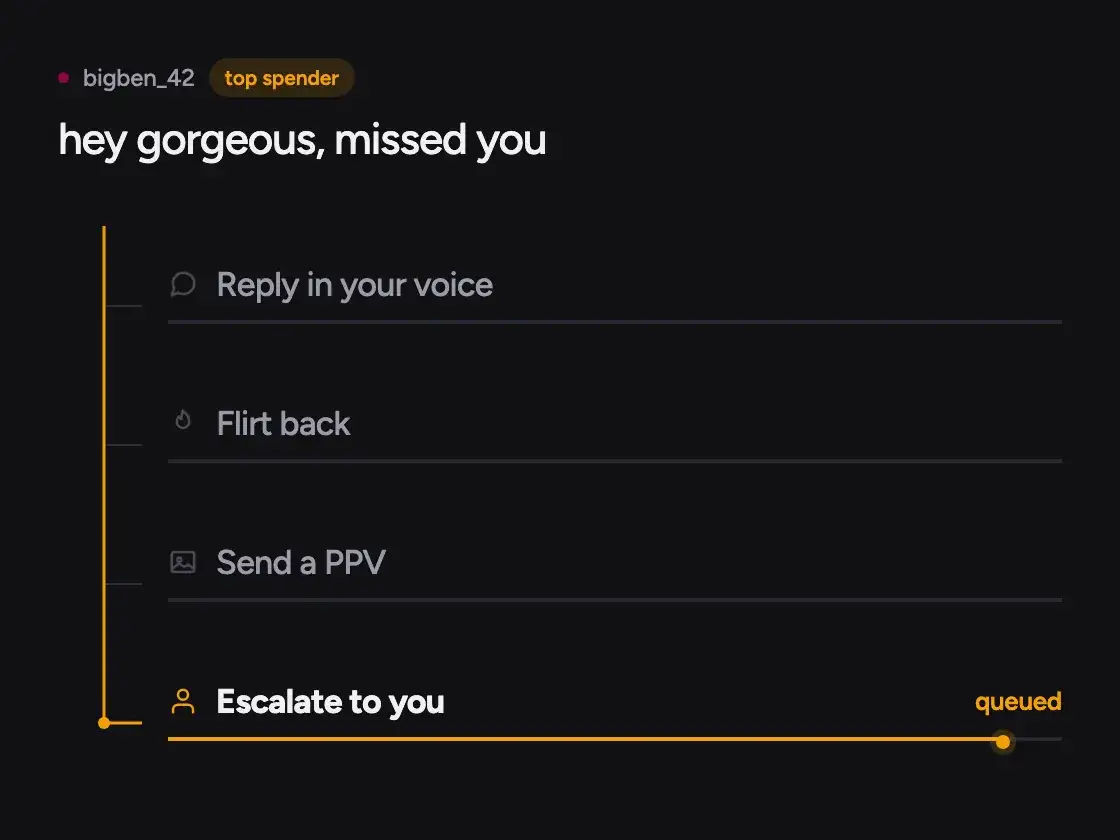
One message, start to finish: read, answered, priced, attributed.
It reads the whole thread
Before it writes anything the agent reads back through the thread, so the reply answers the fan who is already there rather than a blank one.
It prices and sends
When the conversation is ready for it, the agent prices a piece of content for that account and sends it, without stopping for your approval first.
You get the fans, and the number
Your top-tier fans and anything flagged arrive with you. Each sale is booked against the message that produced it, on the Fansly account specifically.
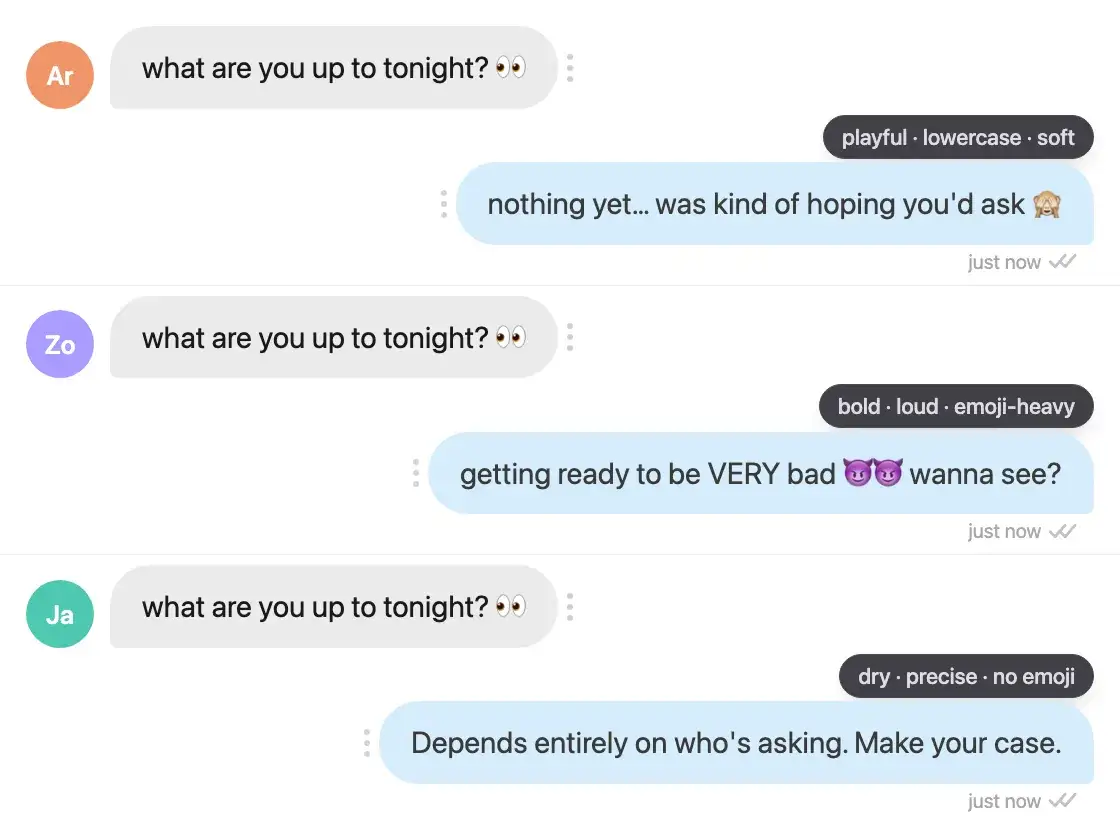
Each account gets its own voice.
Persona is configured per connected account, so a Fansly account is not made to sound like an OnlyFans one. Set how you talk, how direct you get and which emoji you actually use, and the agent writes from that profile on every message. The full list of persona settings is on its own page.
- Persona and pricing configured per connected account
- Remembers each fan across both platforms, so a reply never starts them over
- Replies in the fan's own language once it is detected
- Any thread can be pulled back to a person, on either platform
What gets automated on a Fansly inbox
The conversation, rather than a calendar. Every message that arrives is read and answered in the persona set on that account, the agent remembers what the fan has bought and asked for, it replies in the language the fan wrote in, and it opens the thread itself, both with a brand-new subscriber and with one who has gone quiet.
What it does not do is fire one message at a segment on a timer. Blasting a list and handling a conversation are two different products that share a name, and buying the first while expecting the second is the mistake this search produces. The difference, and where each one earns its money, is on the DM automation page. It is written against OnlyFans and the distinction holds on Fansly without a word changing.
Both platforms, one agent
In the desktop app, add an account and pick whether it is on Fansly or OnlyFans. The app opens that platform's own login page and you sign in there, exactly as you would in a browser, so the password goes to Fansly and never reaches us. The agent then works inside that session, on your machine.
Run one account or several, on one platform or both. Each is connected, configured, priced and billed on its own, which is also how the revenue comes back: per account, so the Fansly number stands on its own rather than disappearing into a total.
The part worth knowing before you start: a session does not last forever. If someone logs the account out, or Fansly expires the session, the account shows as disconnected and you sign back in inside the app. While an account is suspended by the platform its fixed fee keeps accruing and no commission does, because the agent cannot message anyone. Neither is a surprise we would rather you found later.
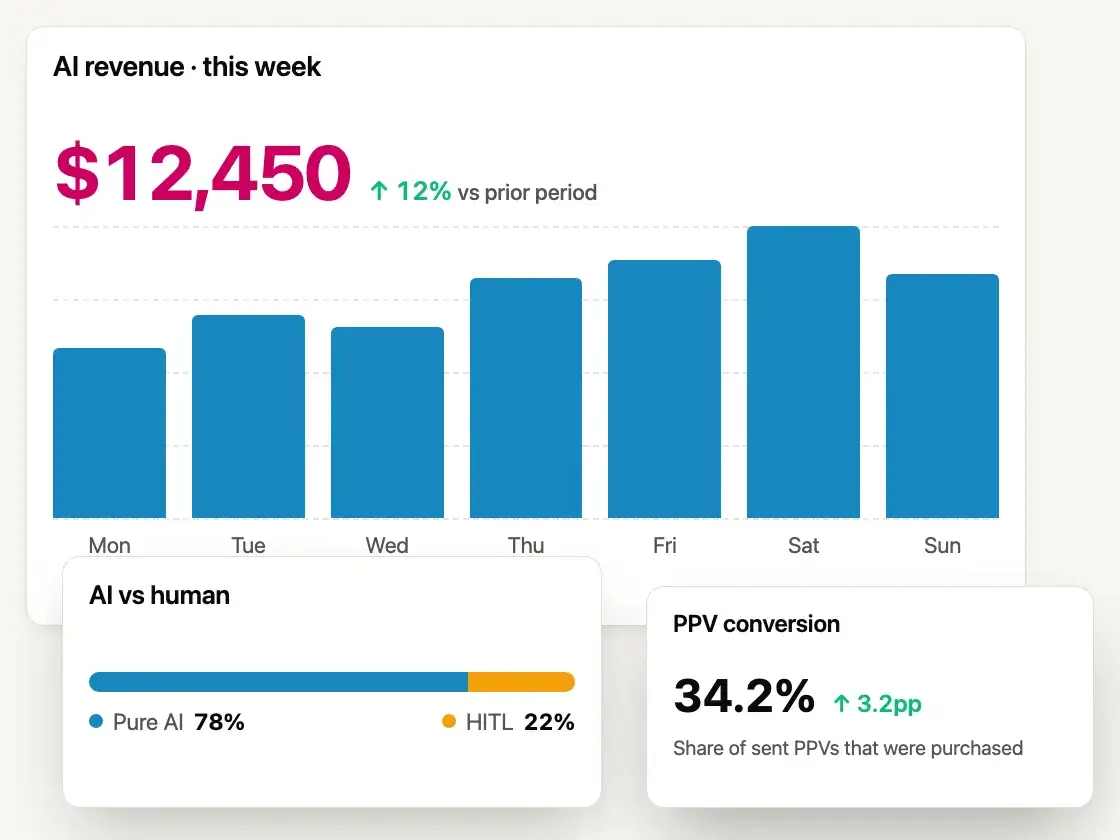
The number is what the AI earned.
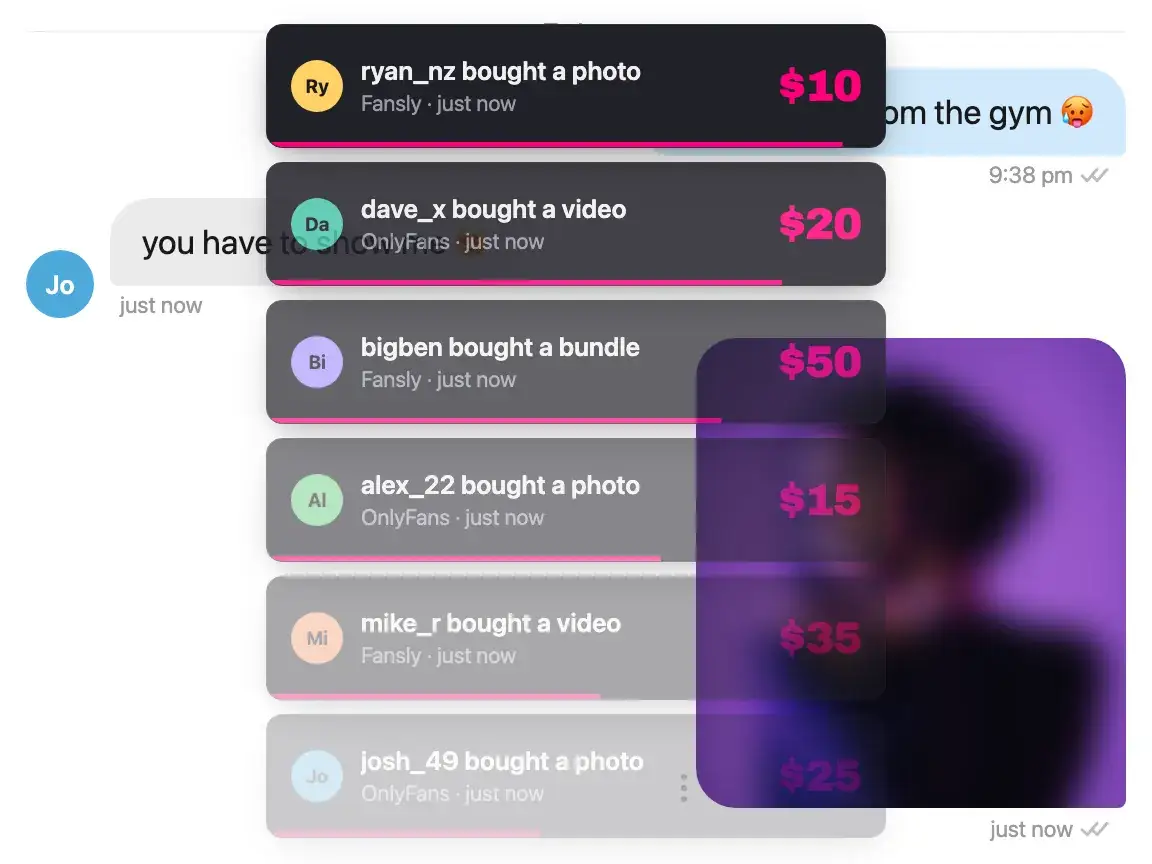
When a fan buys, we match the purchase to the message that sold it, so a Fansly account reports its own AI revenue instead of folding into an OnlyFans total. It is also the number your commission is charged on.
- AI-attributed sales, per account, on either platform
- Sales you or your chatters made are never counted as the AI's
- Per-account tier labels and pricing
- OnlyFans and Fansly accounts side by side
For agencies
Creators on both platforms?
Agencies usually end up with a split roster and two ways of working it. Here the agent is the same on both, your chatters stay on the spenders worth their hours, and each account reports its own revenue. How an agency stack splits into layers, and which of them we run, is set out separately.
Talk to us about volume pricing- OnlyFans and Fansly accounts in one workspace
- Per-account persona, pricing and tier labels
- Top spenders routed to your own chatters
- Fixed fee per account plus commission on AI sales only
Questions a Fansly creator asks
About running an AI chatbot on a Fansly inbox.
Is there an AI chatbot that actually works on Fansly?
Yes, and the list is short. Of the five tools on our comparison page, two named Fansly on 8 October 2026: Infloww and us. Theirs is a CRM your chatters work in, and its AI Copilot is a beta sold on the OnlyFans plan, so on a Fansly account there is no AI writing anything. Ours writes and sends on Fansly the same way it does on OnlyFans.
Do I have to give you my Fansly password?
No. You add the account in the desktop app and sign in on Fansly's own login page inside it, the same page you would use in a browser, so the password goes to Fansly. We never see it and never store it.
Can one agent run my Fansly and OnlyFans accounts together?
Yes, from the same app. Each connected account is configured on its own: its own persona, its own pricing, its own revenue number. A Fansly account is not made to sound like an OnlyFans one unless you set it up that way.
Is it against Fansly Terms of Service?
Platform terms change, and automation tools are your responsibility to check against them, so read the current Fansly terms before you connect an account. On the mechanics we can be specific: the agent runs on your own computer, inside the login session you opened on Fansly, and it handles the fans you let it handle.
Can I automate my Fansly DMs?
That is the whole job. Every incoming message is answered in your persona, priced where the conversation is ready for it, and booked against the message that produced the sale. The agent also opens conversations itself, with new subscribers and with ones who have gone quiet. What is automated is the conversation, not a calendar.
Does it send bulk or scheduled Fansly messages?
It reaches your list, one fan at a time. The agent decides per fan whether to open a conversation and what to say, so what lands is written for that person rather than once for everybody. What it does not do is fire a single message at a filtered segment on a timer, on Fansly or anywhere else. The DM automation page explains where the two kinds differ.
Does the AI sell on Fansly, or only reply?
It sells. The agent tracks where each conversation has got to, prices a piece of content for that account, and sends it when the fan is ready for it. Sales it made are attributed to it per message, so you can see what the AI earned on the Fansly account specifically.
What happens with my biggest Fansly spenders?
They can be kept off the AI entirely and routed to a person, the same as on OnlyFans. Anything flagged goes to the review queue, and you can take any conversation back from the agent at any time.
Is Fansly support a smaller version of the OnlyFans support?
No. The agent, the persona configuration, the escalation rules and the revenue attribution are the same on both. The difference is per account rather than per platform, because that is where the settings live.
What does it cost on Fansly?
The same as anywhere else: a fixed fee per connected account plus a commission on net AI-generated sales, meaning after the platform's cut. The pricing section has the plan fees and rates, and a new account starts with $100 in trial credit, with no card.
Connect your Fansly account tonight.
Start with $100 in trial credit. No card, and the agent is yours to switch off.