
OnlyFans agency software, and which part we are
Sassychat is an OnlyFans CRM with the inbox running on top of it: fan records on every account, and an agent that answers, prices and sells into them, so your chatters work the fans where a person changes the outcome.
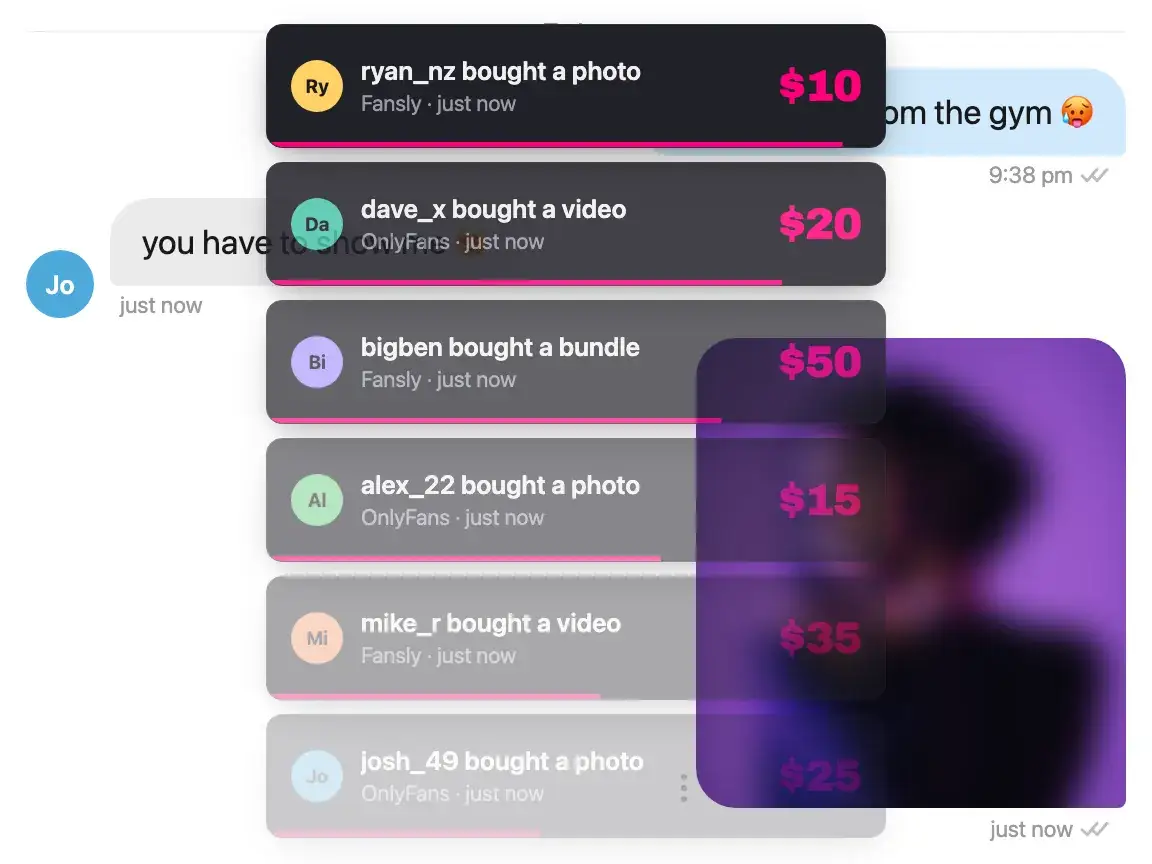
An agency stack has five layers
Most of what is sold as OnlyFans agency software is an OnlyFans CRM with chatters working inside it, and the search term does not separate that from the rest of the stack. Knowing which layer you are short of saves a demo call.
| Layer | What it covers | Us |
|---|---|---|
| The fan CRM | Who each fan is: profiles, labels, notes, where they came from, what they have spent, and a list you can search and filter. | Ours. Every connected account keeps its own fan records, and the agent writes to them as it works, so nobody has to type them up afterwards. |
| The inbox | Who answers the fan. Chatters on a rota, tooling that makes them faster, or an agent that answers on its own. | Ours, and the layer this whole product is built on. The agent replies, prices and sells, and sends a person the fans worth their time. |
| The content the agent sends | What is available to send, how it is labeled, and the staged sequences it goes out in. | Ours. Media carries its type, size, duration and when it was last sent, you can label it, note it and set a floor price on it, and Drip Sets group it into the sequences the agent sends from. |
| Team and shift operations | Who works which account, the rota behind it, shift reporting and payroll. | Half of it. Team members and access per account are here; the rota, the shift reports and the payroll are not built yet. |
| The traffic | Where subscribers come from: promo, link tracking, campaigns, the funnel in front of the inbox. | Not us, and not most of the tools sold as agency software either. This is usually bought separately. |
Nothing stops the layers stacking, and most agencies run two or three vendors on purpose. What the comparison page covers is who does which, with the pricing each one publishes.
We are building outwards from the inbox, and the rest of this table is where that is going. If the thing standing between you and running your whole roster here is a rota, a shift report, or something this page does not mention at all, tell us what you need. We are early enough that what agencies ask for is what gets built next, and that is a better way to decide it than guessing.
What it costs per account
Pricing is per connected account and not per seat, so adding a chatter costs nothing and adding an account costs one fee. This is the standard-plan arithmetic for one account; multiply by the roster.
| Monthly AI sales on an account | Basic | Pro |
|---|---|---|
| $500 | $79 | $101.50 |
| $2,000 | $229 | $229 |
| $5,000 | $529 | $484 |
Commission is charged on what the AI sold, and nothing else. A sale that came from a message your chatter wrote is a human-driven sale and carries no commission. Keeping your best people on your best fans therefore costs you nothing extra here, which is the opposite of how a revenue share with a chatting service works.
Past a handful of accounts the per-account rate is worth a conversation. Agency is a negotiated plan rather than a published one, and onboarding a roster runs through a call rather than a signup form.
What moving a roster looks like
Account by account, not all at once. Each creator is added in the desktop app and signed in on the platform's own login page, then configured on its own: persona, pricing, and which fans are routed to a person rather than handled by the agent. Nothing is shared between accounts unless you set it that way.
Then the division of labor changes rather than the headcount. Chatters are pointed at the accounts they are assigned to and at the fans that reach them, which is a shorter list than the inbox they were working. Most agencies run one account on the agent against one a chatter is working for a few weeks before moving anything else, and that comparison is more useful than any number on this page.
One thing a rota does that a persona profile does not: produce four versions of the same creator. Across a roster that drift is the quiet cost, and it is the part an agency notices first.
Your chatters, on the fans that pay for them.
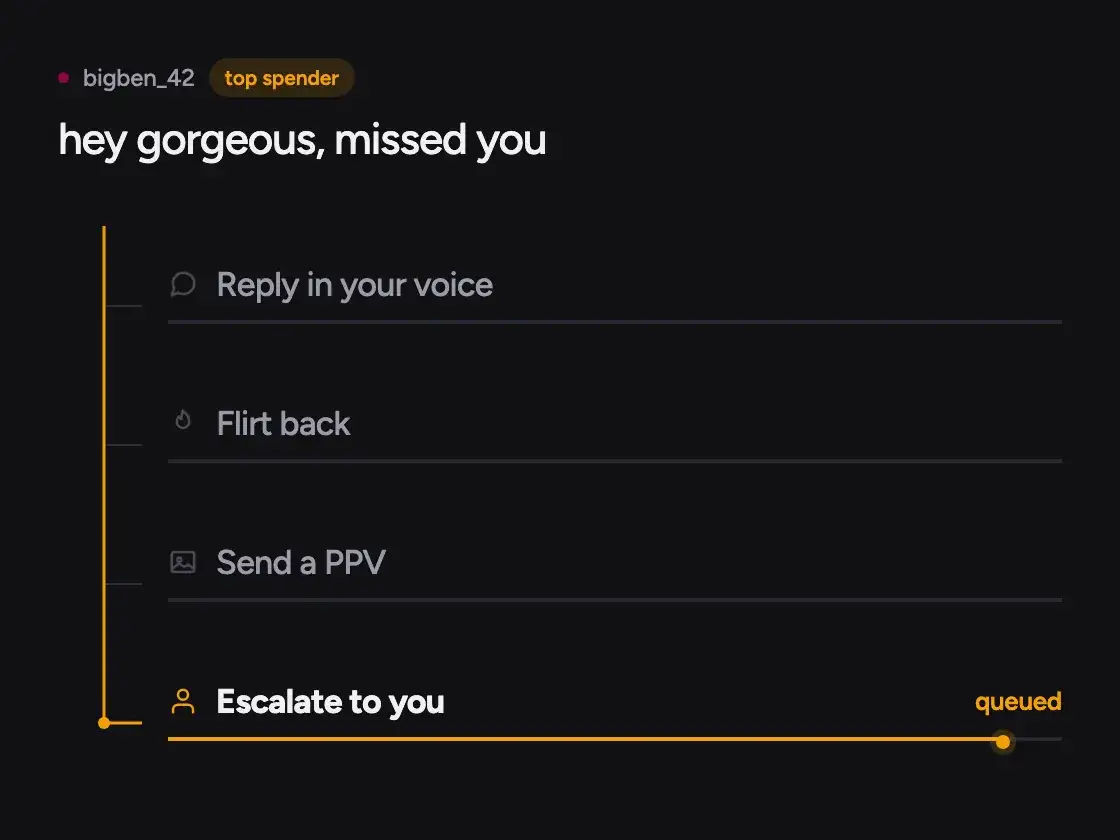
The agent covers the volume on every account: the openers, the small talk, the fans who never buy, the hours nobody is rostered for. Top spenders and anything flagged route to a person, with the thread in front of them.
- Top spenders kept off the AI and routed to your chatters
- Owners and admins see every account; a chatter sees their own
- Each account in its own isolated session, with its own settings
- A chatter can take any conversation back from the agent
Every account reports its own number.
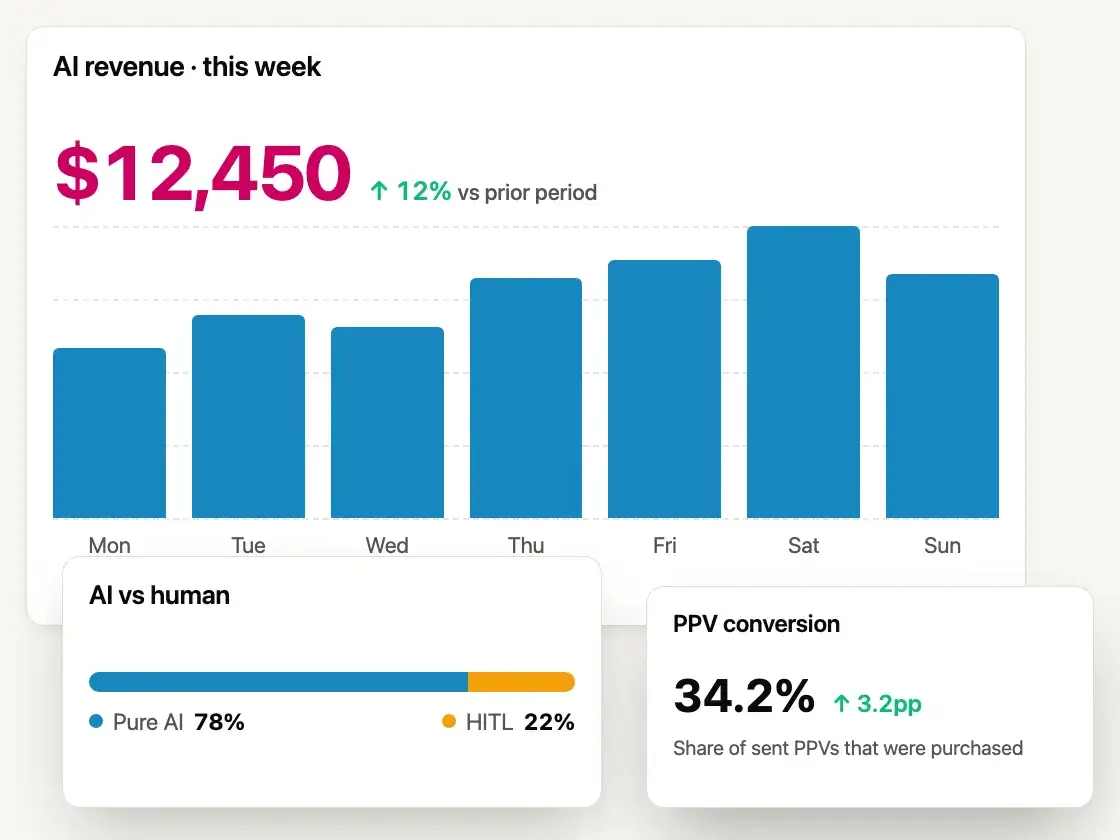
When a fan buys, the purchase is matched to the message that sold it, so each account's AI revenue stands on its own instead of arriving as one agency total. The commission is calculated from that same figure, which is why the bill and the report never disagree.
- AI-attributed sales, per account, on OnlyFans and Fansly
- A roster-wide sales view as well as a per-account one
- Gross, the platform cut and net broken out, with the transactions behind them
- Human-driven sales reported separately and not charged
- Refunded sales credit the commission back
Questions agencies ask
Starting with the one we answer with a no.
Is Sassychat an OnlyFans CRM?
It has one, and the CRM is not the whole of it. Every connected account keeps its own fan records: profiles with labels and notes, where the fan came from, lifetime spend, and a list you can search and filter. What separates it from an OnlyFans CRM bought on its own is that nobody has to type into it, because the agent is working the inbox and the records fill as it goes. If what you want is a CRM for your chatters to work inside, the Infloww comparison is the honest place to start.
Is Sassychat agency management software?
Not the whole of it, and it is worth being plain about which parts. You get the inbox and the fan records behind it: profiles with labels, notes, source and lifetime spend, a fan list you can search and filter, team members with access per account, a vault you can label and price, and the reporting on top of all of it, per account and across the roster, with gross, the platform's cut and net broken out and the transactions behind them. What is not built yet is the chatter rota, shift reporting and payroll, and traffic analytics is a layer most tools in this category leave to someone else too. If one of those is what you are short of, the comparison page covers the tools that run them today, and tell us which one you need, because that is how the order gets decided.
How does pricing work for a roster?
The standard plans are per connected account: $29 and 10%, or $59 and 8.5% on net AI-generated sales, so cost multiplies by the number of accounts rather than by seats, and the pricing section has both. Agency is a negotiated rate for a roster, which is what the contact form is for.
Do you charge commission on sales my chatters made?
No. Commission applies only to sales the AI itself generated: a fan paying for something the agent sent on its own. A message your chatter wrote and sent is a human-driven sale and is not charged, which is the point of keeping top spenders with people.
Can chatters use it without seeing every account?
Yes. Owners and admins see everything; a chatter sees the accounts they are assigned to and not the rest. Each connected account also runs in its own isolated session with its own settings.
How many accounts can we run?
As many as you connect, on OnlyFans and Fansly, each with its own persona, pricing, tier labels and revenue number. Past a handful the rate is worth a conversation rather than a signup, which is the Agency plan.
Do we have to share creator passwords with the team?
Not with us. Each account is signed in on the platform's own login page inside the desktop app, so the password goes to the platform. How your own team handles creator credentials is a question for your own policy, and ours does not add to it.
What happens to the chatters we already employ?
They stop working the volume and start working the fans who pay for being known. The arithmetic is here, including the part where the table flatters the chatter column.
Can we trial it before moving a whole roster?
That is the sensible order. Connect one account on a standard plan with $100 in trial credit, run it for a few weeks against an account a chatter is working, then talk to us about the roster.
Related pages
What it costs against a chatter
The arithmetic against a wage and a share together, with the costs a comparison usually leaves out.
How we compare with a CRM
An agency CRM your chatters work inside, against an agent that works the inbox itself.
What the agent is
It reads the thread, replies in your persona, prices and sends, and routes the fans worth your time to a person.
Start with one account, not the roster.
Run the agent on one account for a few weeks against one a chatter is working, then price the rest from what you saw rather than from this page.