
What an OnlyFans chatter costs
A chatter is paid for the hours and a share of everything they sell, commonly 20% to 30%, and they need your login to do it. Here is that arithmetic, and what the same inbox costs when an AI agent runs it.
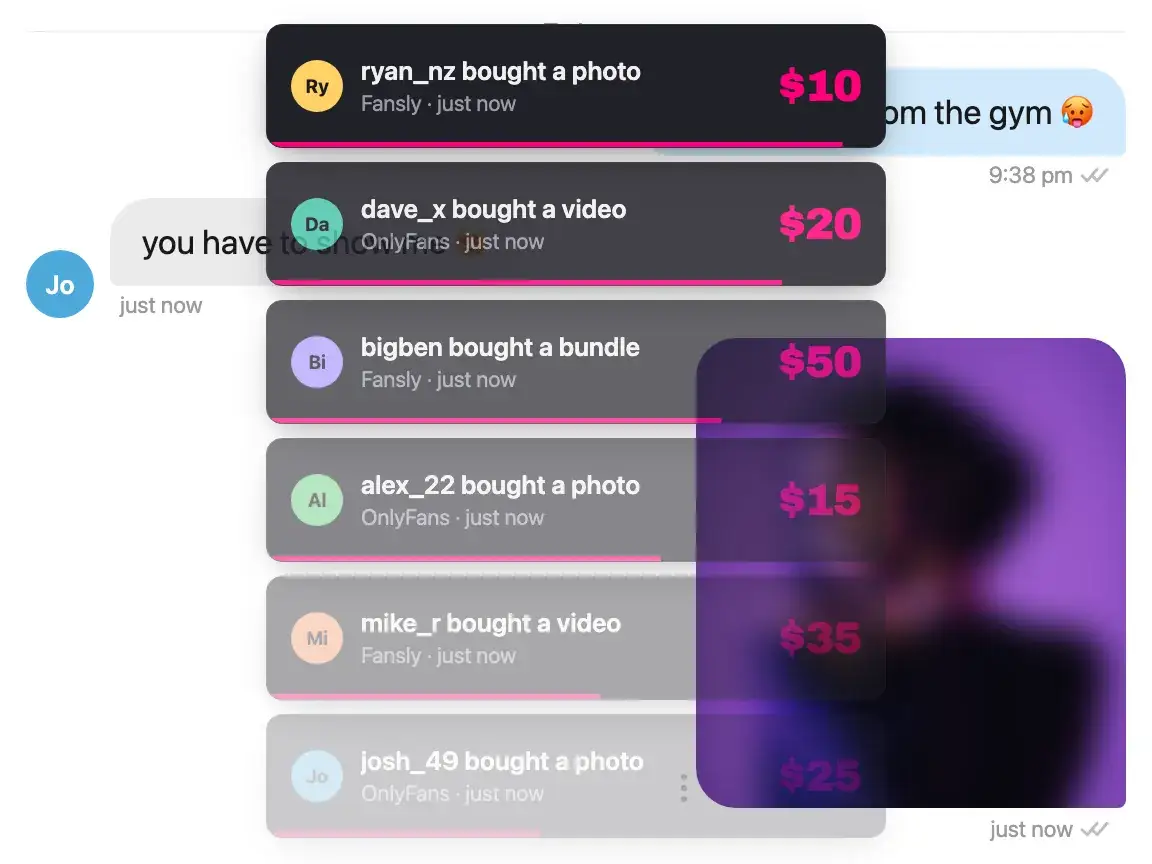
A chatter's rate is the smallest part of the bill.
The wage and the share are the numbers you negotiate. The other costs arrive later, and they are the ones that decide whether the arrangement works.
Price all four before you compare anything.
Both, usually. What creators report paying is around $3 to $5 an hour, plus 20% to 30% of the sales that chatter makes. The wage is owed whether the shift sold anything or not, and the share scales with the account and never stops.
One chatter covers one shift. Fans message at 3am in a timezone nobody on the rota works, and a fan who waits until morning often does not come back. Covering more of the day means more chatters, and both the wage and the share are per chatter.
Every chatter has to be found, taught your menu and your voice, and watched for a while before you hand them the account. Turnover means paying that again, and the rota is somebody's hour every day. It arrives as time rather than an invoice, which is the only reason it stays out of comparisons like this one.
A chatter needs your account to work it, so the credentials go to a person you are trusting. They also try to write as you, and across a few hundred messages their version of you drifts from yours.
The arithmetic
Monthly cost on one account, against the same monthly sales in every column. The chatter columns are one person on one eight-hour shift a day: 240 hours at $3 and $5 an hour, which is $720 and $1,200 of wage before a single sale, plus 20% and 30% of what they sell. The Sassychat column is the fixed fee for the account plus commission on what the agent sold, on whichever of our plans is cheaper at that level.
| Monthly sales | Chatter at $3/hr + 20% | Chatter at $5/hr + 30% | Sassychat |
|---|---|---|---|
| $2,000 | $1,120 | $1,800 | $229Basic |
| $5,000 | $1,720 | $2,700 | $484Pro |
| $10,000 | $2,720 | $4,200 | $909Pro |
The assumption to argue with is the first column. It holds sales constant across both options, which is the same as assuming the agent sells what the chatter would. We have no customer results to put behind that and will not invent any, so treat the table as a cost comparison and the trial credit as how you test the revenue half on your own account.
Three real costs are missing, all of them on the chatter side. Finding someone, training them on your menu and your voice, and doing both again when they leave. Running the rota. And covering more than one shift, which multiplies the wage line and adds another share. Put your own figure on each, because the table without them already flatters the chatter column rather than ours.
The Sassychat column takes whichever plan costs less at that level. Basic and Pro meet at $2,000 of AI sales per account per month, where the $30 higher fee is exactly repaid by the 1.5 percentage point lower commission: Basic below it, Pro above. Run it on your own number rather than ours, from the pricing section.
It is not one column or the other. Add your chatters as team members and give them access per account; seats are not what you pay for, the connected account is. The arrangement most accounts end up with is both: your people on the top spenders and anything flagged, where being remembered is what the fan is paying for, and the agent on the volume underneath them and the hours nobody is on shift for.
The hours nobody is on shift for.
Coverage is the half of a chatter bill that never appears on it. An agent can be awake for the whole day, on the accounts you switch it on for, so the question stops being how many shifts you can afford and starts being which fans deserve a person.
- Every message answered when it arrives, not when a shift starts
- Fans who go quiet get re-engaged without anyone remembering to
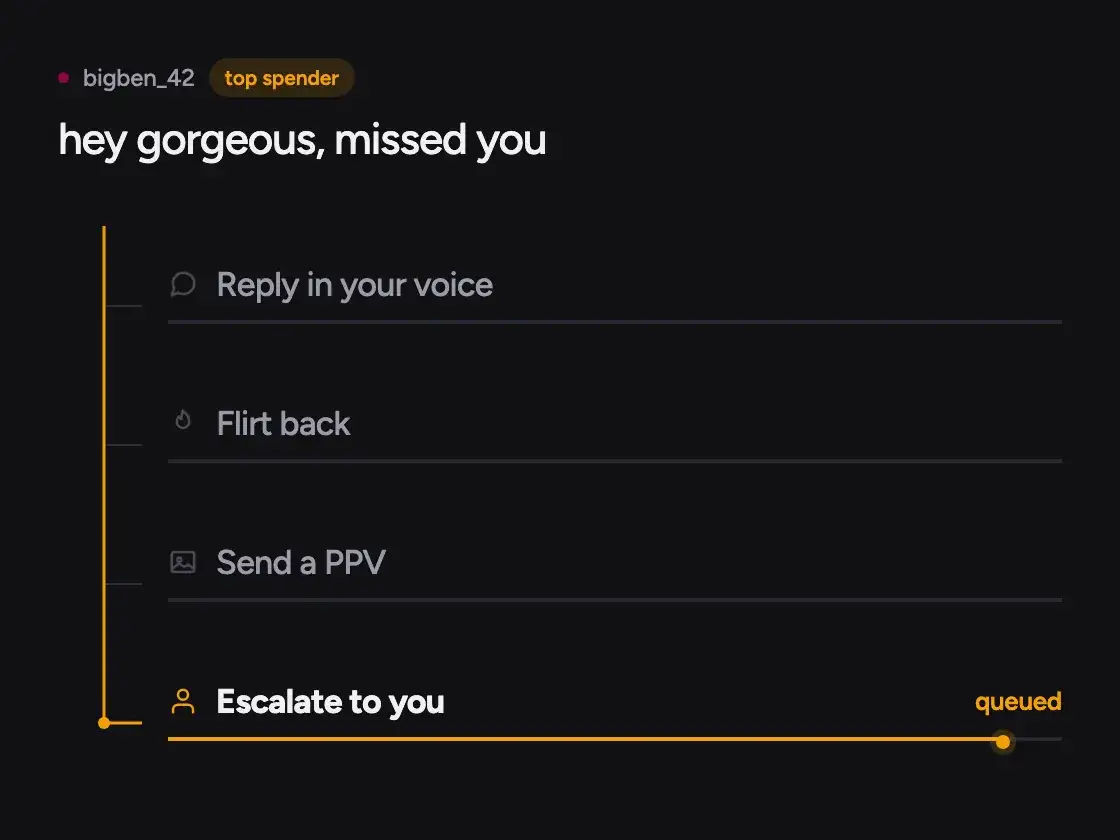
- Top spenders and flagged conversations route to your chatters
- You start and stop it per account, from the desktop app on your machine
- Any thread can be pulled back to a chatter mid-conversation
Your login stays yours.
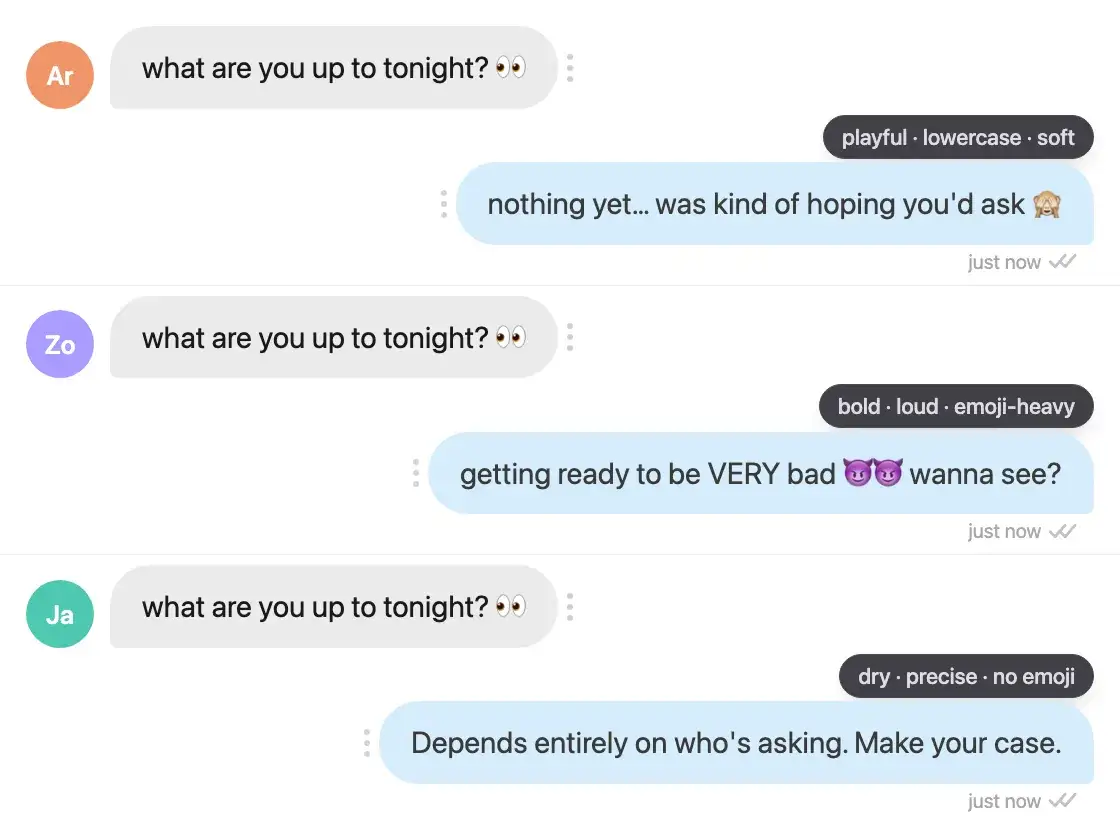
The agent runs inside your own login session on your own machine, so no credentials change hands. It also writes from the persona you configure, which is the same on message one and message four hundred.
- No password shared with anyone
- Persona and pricing configured per creator account
- Replies in the fan's own language once it is detected
- Remembers every fan, so nobody needs briefing at the start of a shift
You are not firing anyone.
The fans who spend the most answer to a person who knows them, and that is work worth paying for. What changes is the ratio: your chatters keep the few dozen conversations worth their hourly rate, and the agent takes the volume underneath them. Running this across a roster has its own page.
Talk to us about volume pricing- Top spenders routed to your own chatters
- Per-account persona, pricing and tier labels
- AI-attributed revenue broken out per account
- Fixed fee per account plus commission on net AI-generated sales only
Questions before you hire
About chatter rates, commission, and what the agent does and does not take over.
What does an OnlyFans chatter cost?
Usually both an hourly wage and a share of what they sell. What creators report paying is around $3 to $5 an hour and 20% to 30% of that chatter's sales, so one person on one eight-hour shift a day starts at $720 to $1,200 a month before anything is sold. Covering more of the day costs another wage and another share, because both are per chatter.
Should I fire my chatters?
No, and this page is not an argument for it. The fans who spend the most respond to a person who knows them, and that work is worth paying for. What the agent takes is the volume underneath: the fans a chatter answers at 2am, the ones who never buy, and the hours between shifts.
Do I have to hand over my login?
A chatter needs your account to do the job, so yes, that is part of the cost. The agent does not: it runs inside your own login session in the desktop app on your own machine, and your password never leaves your device.
Can I control when the agent runs?
Yes, and nothing runs on an account you have not switched on. The agent works from the desktop app on your own machine, so it is running while that app is, on the accounts you started a session for. You also choose, when you connect an account, who answers new fans: the agent, or your chatters until you hand a fan over. And you can take any single conversation back without stopping the rest.
What exactly is the commission charged on?
Net AI-generated sales. Two halves to that. Which sales count: every purchase is matched to the message that sold it, so it counts only when the agent was the one who sent that message, and a sale you or your chatter made is not charged. And what the percentage is taken from: the amount the fan paid for that sale, less the platform's own cut of it, not the gross amount the fan paid.
What if the agent earns nothing in a quiet month?
You pay the fixed fee for that account and no commission, because the commission has nothing to charge against. That is $29 on Basic. A chatter on a pure revenue share costs nothing in a quiet month too, which is the fair half of that model, but a chatter on a wage is owed the shift either way. The table runs at several revenue levels for that reason.
Is the agent as good at selling as a person?
We have no customer results to quote and will not invent any, so the honest answer is that the table above holds sales constant and that assumption is yours to test. A new account starts with $100 in trial credit, which is what it is for.
Can I keep my chatters and run the agent as well?
That is the intended setup and the one most accounts land on. Add your chatters as team members with access to the accounts they work; what you pay for is the connected account, not the seat. Top spenders and anything flagged route to them, the agent handles the volume underneath and the hours nobody is on shift for, and you can take any conversation back from it at any time.
How does this work across several accounts?
The fee and the commission are per creator account, and each account gets its own persona, pricing and revenue number. Agencies negotiate volume rates, which is what the pricing section calls Agency.
What is the difference between this and an AI chatbot that suggests replies?
A tool that only drafts replies still needs a chatter at a keyboard, so it changes how fast you pay for hours rather than whether you pay for them. We have draft buttons too, in the threads your chatters keep, but the agent sends its own messages for every other fan, and that is what takes the hours out of the cost.
Related pages
What the agent is
It reads the thread, replies in your persona, prices and sends, and routes the fans worth your time to a person.
What it automates
The two kinds of DM automation, which one this is, and the one thing it will not do.
Running a roster
Which layers of an agency stack we cover, which we do not, and how the pricing works per account.
Every tool compared
Five tools on what they do, what they cost and where each one falls short, ours included.
For creators
What the agent is doing inside those conversations, written out in full. Useful for judging whether it is doing the right thing, and usable on its own if you work the inbox yourself.
How to Drip PPV on OnlyFans, From First Reply to Sale
Lead the conversation into a priced sequence, send each locked message only after a yes, and pace the next drop on the subscriber's reaction instead of a timer.
Raise Your OnlyFans Price Without Losing Subscribers
Work out how many subscribers you can afford to lose, then raise your price in stages, with a clear call on the 20% discount first month and the announcement.
How Much to Charge for a Girlfriend Experience per Day
Work out a daily GFE rate from your reachable hours and emotional load, then decide whether a weekly package should be a multiple, a discount or a premium.
Test the assumption on one account.
Connect an account, start with $100 in trial credit, and compare what the agent earns against what you are paying now. No card.